AI Agents for Business: How Autonomous AI Is Transforming Workflow Automation
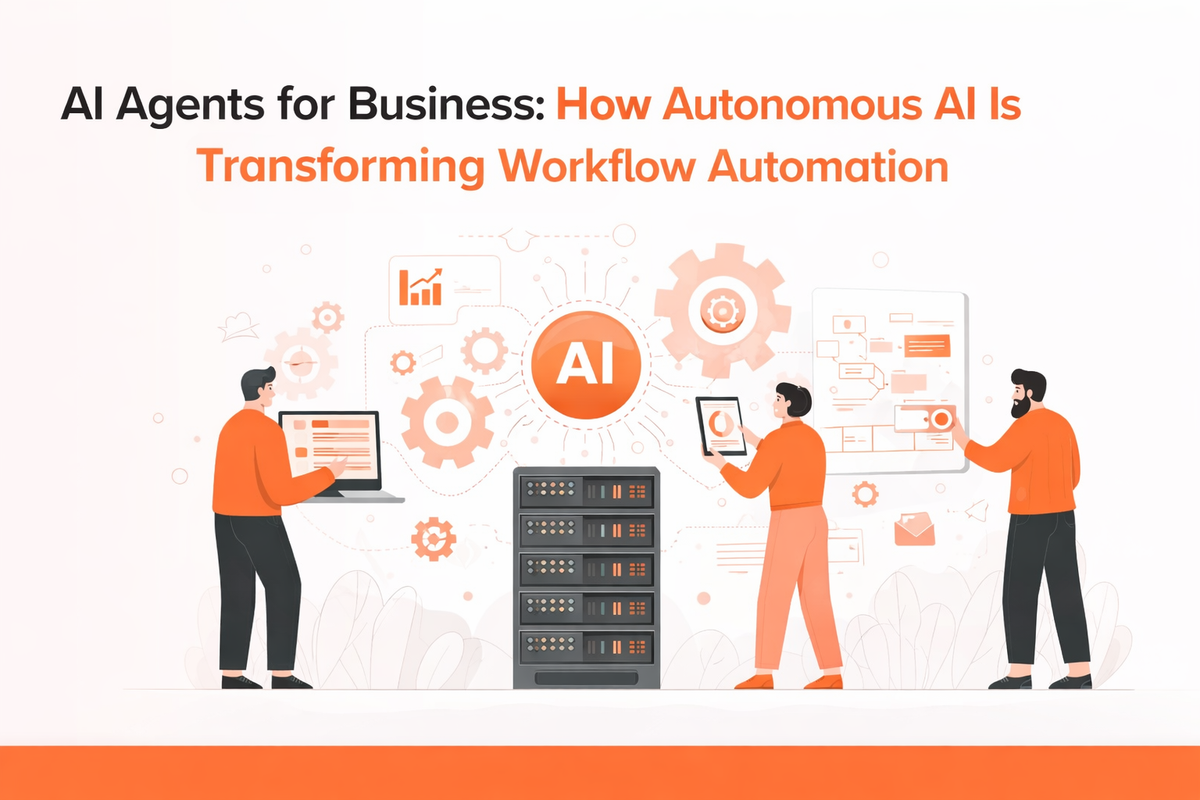
Not long ago, workflow automation meant setting up rules, scripts, or dashboards to speed up routine tasks. But today, that idea is evolving into something far more powerful, capable of taking over entire processes and helping teams work faster and focus on more strategic decisions. Amid a new competitive reality and constant human oversight, this shift is where AI agents are changing the game and responding to changing business needs in real time.
Over the past year, much of the focus has been on testing platforms, comparing vendors, and evaluating productivity tools. But the real impact comes from integrating AI agents directly into workflows. Insights drawn from McKinsey’s work in AI adoption suggest that organisations that adopt AI agents aren’t just automating isolated tasks; they are seeing workflow improvements that significantly reduce manual effort, speed up processes by 40–50%, and cut costs associated with outdated systems. At the same time, the quality of work improves, allowing people to focus on higher-value tasks rather than repetitive routines.
Understanding the Building Blocks of Workflow Automation
Before diving deeper, it’s important to understand the key elements that power modern automation systems. These components work together to create smooth, intelligent workflows.
The Execution Layer
This is the part of automation that actually gets things done.
Robotic Process Automation (RPA) handles repetitive, rule-based tasks across systems without manual effort.
AI Agents go a step further by making decisions and adapting actions based on context.
The Intelligence Layer
Automation becomes truly powerful when it can “think” and respond.
Large Language Models (LLMs) help systems understand instructions, interpret context, and guide actions intelligently.
Tool Usage allows AI agents to interact with real software—whether it’s updating records, sending emails, or triggering workflows.
The Connectivity Layer
No workflow can function in isolation; everything needs to stay connected.
APIs (Application Programming Interfaces) act as bridges that allow different platforms, tools, and systems to exchange data and trigger actions seamlessly.
The Control Layer
For automation to run smoothly, there needs to be a system controlling the sequence and timing.
AI Orchestration manages how workflows move from one step to another, ensuring everything runs in the right order.
Event Triggers act as starting points, activating workflows automatically based on actions like form submissions, emails, or system updates.
What AI Agents Really Do for Workflows
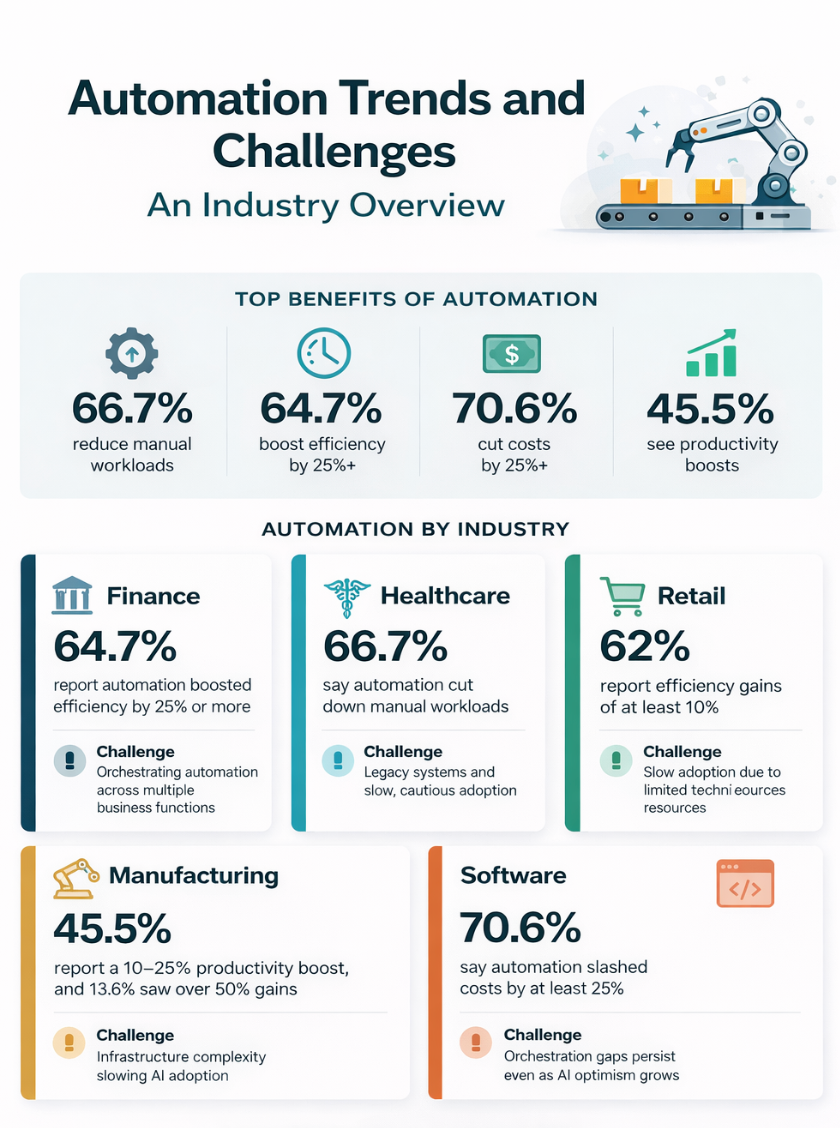
When every minute counts and every decision has a ripple effect, companies are pushing automation deeper into the heart of how work actually gets done. Investing in smarter workflows is no longer optional. 73% of companies have increased automation spending, and almost 40% have cut costs by 25% or more, showing that intelligent systems are already driving measurable impact.
Instead of treating automation as a set of rigid rules, AI agents can read context, interpret data from multiple sources, and act without constant human guidance. In practical terms, this means processes that used to take hours—or even days—can now happen in minutes, freeing teams to focus on more strategic work.
Across different departments, the impact is visible:
- Operations and IT: AI agents can monitor systems, detect bottlenecks, and trigger corrective actions instantly.
- Finance and Accounting: Validate transactions, flag anomalies, and feed clean data into enterprise systems without manual checks.
- Customer Experience: Agents can prioritise inquiries, suggest solutions, and even resolve straightforward issues automatically.What makes them truly transformative is their ability to understand how work actually happens and fill gaps that traditional software can’t. In short, AI agents don’t replace people; they make workflows smarter, faster, and more reliable.
Source: Enterprise Automation Index 2026
Top 5 AI Workflow Automation Tools for Businesses
Make
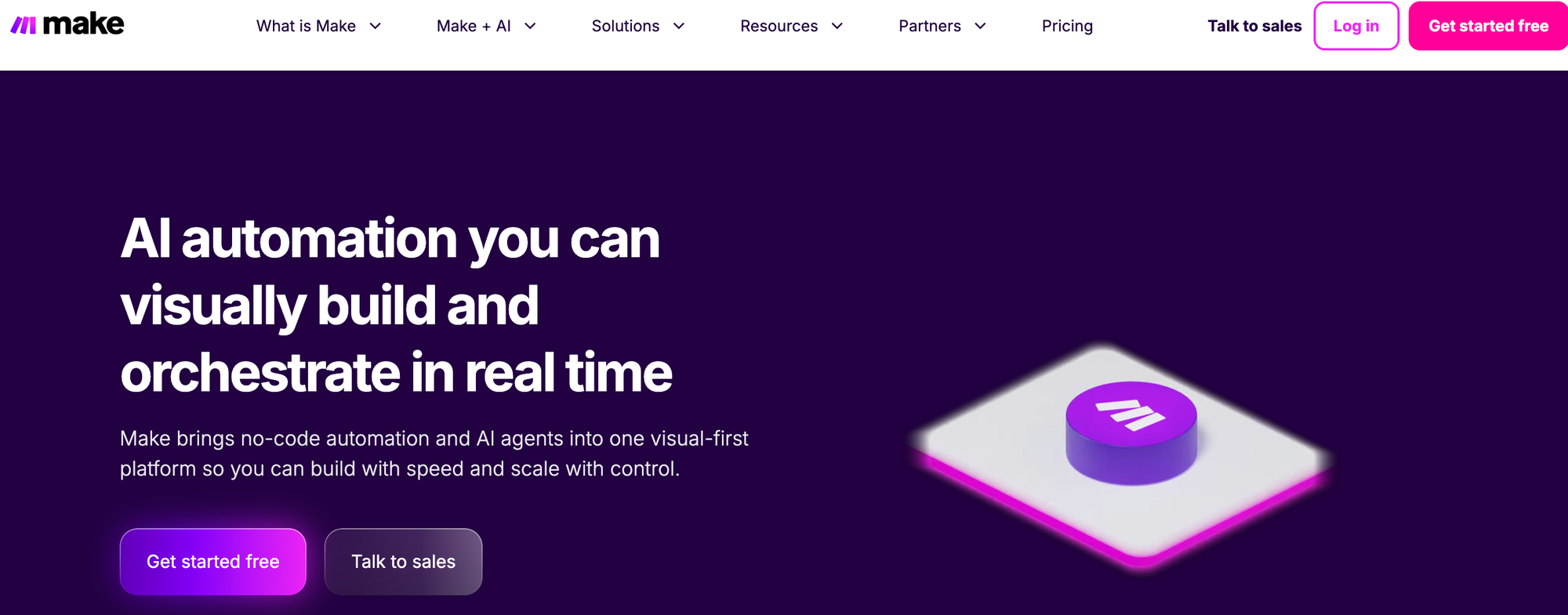
Best for visual, multi-step workflows.
Make is often the go-to when teams need to build complex automations without coding. Its visual builder makes it easier to connect apps, add logic, and even bring AI into workflows.
What stands out:
- Handles multi-app workflows smoothly with a clear visual flow.
- Built-in AI support (GPT, summaries, file handling)
- Connects tools like Slack, Notion, and Google Workspace effortlessly.
Zapier
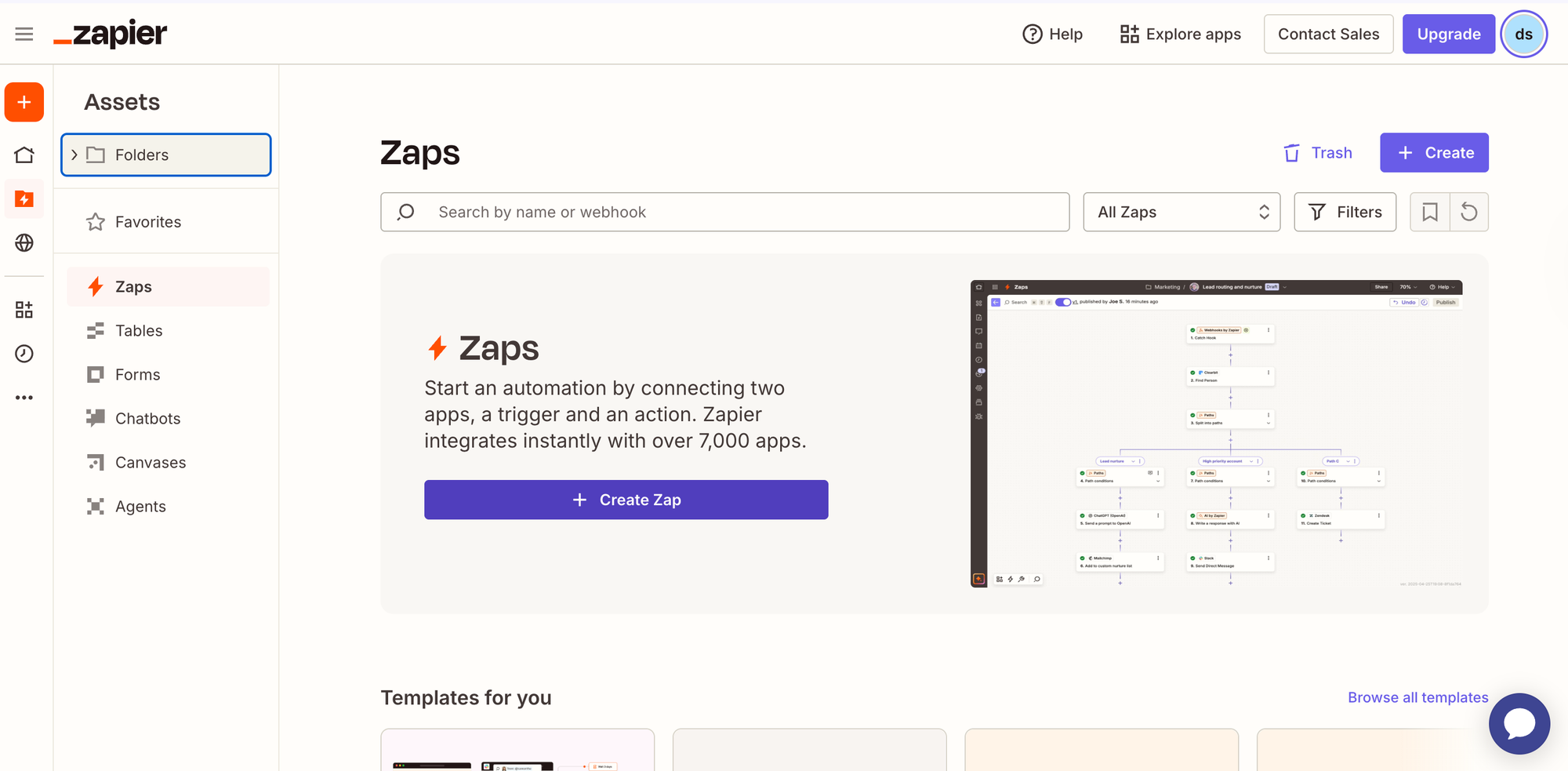
Best for simple, everyday automation.
Zapier is widely used for connecting apps and automating everyday tasks without code. It works on a simple trigger-action model—when something happens in one app, it automatically performs an action in another. This makes it especially useful for teams that want quick results without getting into technical setup.
While it now supports multi-step workflows and basic logic, its real strength is simplicity. For straightforward workflows, it’s one of the fastest tools to set up and run reliably.
What stands out:
- Connects thousands of apps with a simple trigger-action setup
- Quick to set up, even for non-technical teams
- Works best for clear, simple workflows without heavy customisation
N8n
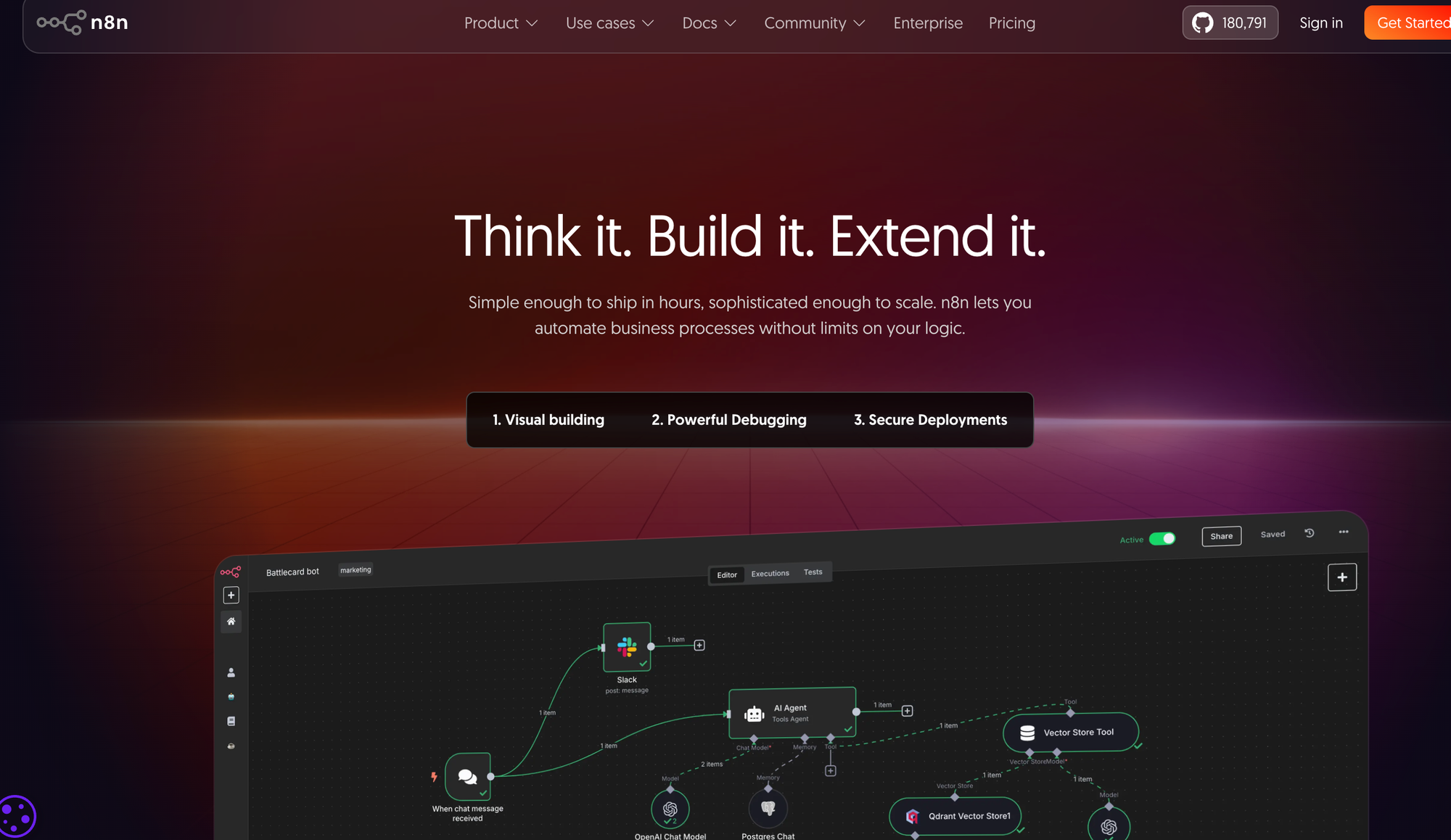
Best for flexibility and control. n8n is popular among developers who want more control over how workflows behave. Being open-source, it allows deeper customisation compared to most no-code tools.
What stands out:
- Full control with custom logic, APIs, and webhooks.
- No fixed templates—you can build workflows your way.
- Self-hosting option gives you more control over data and setup.
Asana
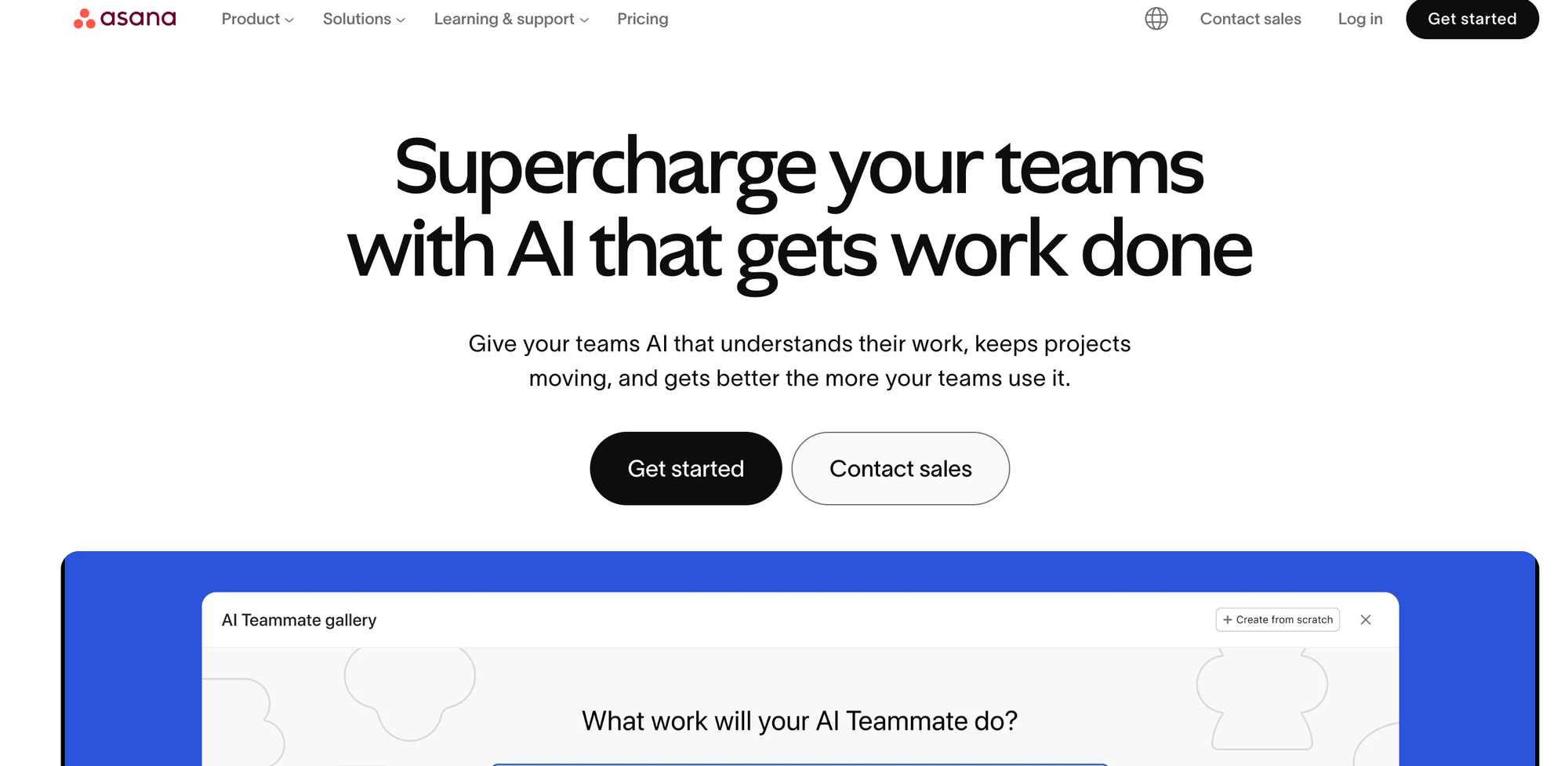
Best for team workflow management and project automation
Asana is built for teams that want to keep projects organised without constantly chasing updates. At the same time, it combines project management with simple workflow automation, so tasks move forward automatically based on rules you set. With added AI features, it also helps teams stay on top of priorities and track progress without manual effort.
What stands out:
- Automates task updates, assignments, and follow-ups within projects.
- Helps teams stay aligned with built-in views and workflow structure.
- Adds AI insights for better planning and workload visibility.
Workato
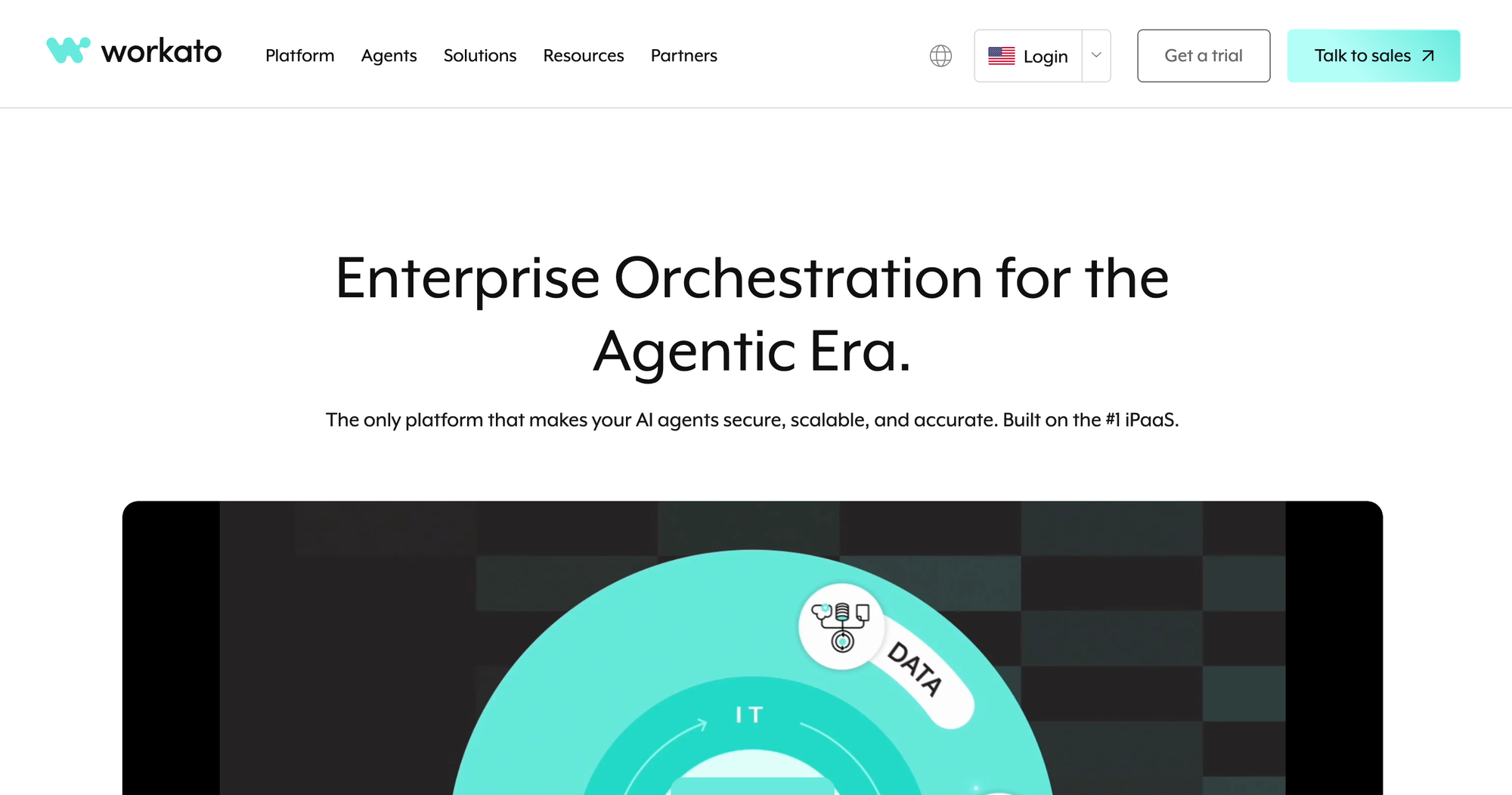
Best for enterprise-level automation.
Workato is built for organisations where workflows go beyond simple tasks and involve multiple systems and teams. It combines workflow automation with deep integrations, making it a strong fit for IT and operations teams managing complex business processes. Its AI capabilities also help speed up how workflows are created and optimised.
What stands out:
- Connects business systems with strong governance and control.
- Low-code approach makes workflow automation accessible to teams.
- Handles APIs, integrations, and secure enterprise workflows.
Where AI Fits in Your Business Next
AI agents are slowly becoming part of how work actually gets done, not as something complex, but as something practical. In fact, they take over the repetitive parts, connect your tools, and keep workflows moving without constant follow-ups.
For most teams, the shift doesn’t start big. Instead, it usually begins with one process that feels slow or manual, something that can run better with the right setup. You fix that first. Then slowly, it builds. Over time, workflows start to connect, decisions happen faster, and teams spend less time managing work and more time moving it forward.
What matters isn’t just adding automation, but how well everything works together. When your systems are built and connected the right way, workflows start running smoothly in the background, and that’s when AI stops feeling like a feature and becomes part of how your business operates.